
Goodbye Unreal. Hello Godot.
Sometimes you have to make difficult decisions. I've been fighting something for the last few months without realising it. I was fighting Unreal Engine, one of the most advanced game engines in the world.
It's also bloody infuriating to learn and takes up ~37gb of disk space before you have even started. I had spent months so far, doing my homework. Pouring over ways to take make a 3D engine look like hand drawn artwork to speed up the process. I was half way through a video course on Unreal for beginners. I bought the Point and Click Toolkit from UE Marketplace and set about learning that too. It was all figured out.
I also hadn't actually achieved anything yet. Despite working at it for months, all I had was a few pathetic attempts. This included a demo room where the world scale was out of whack. The characters head was sticking through the ceiling! All that power and tooling was actually hindering me. It was overwhelming and I snapped.
All I had was a few pathetic attempts. This included a demo room where the world scale was out of whack. The characters head was sticking through the ceiling!
So I chalked it up to experience and went in search of something else. The main issue is that Unreal is fundamentally a 3D engine. It does support 2D, through its Paper2D feature, and the Point and Click Toolkit does support 2D. However, it all required further work and considerations to get the job done.
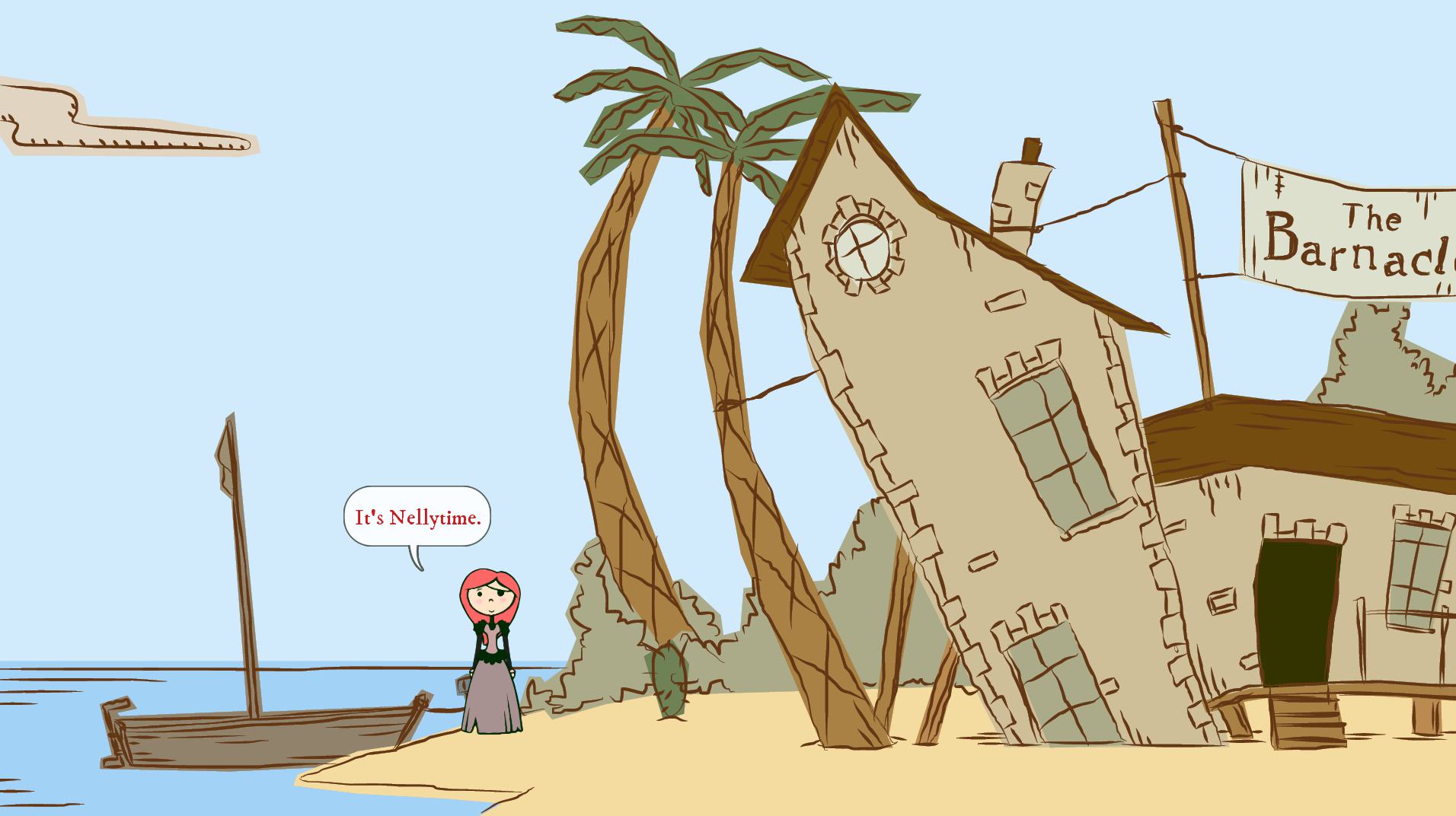
I had already discounted Adventure Game Studio. It was actually purpose made for this job, and I have seen some marvellous work done with it. One notable mention is Nelly Cootaloot. A glorious little game that I really enjoyed playing.
The trouble with AGS is that it is windows only, your locked into it's features, and it only creates Windows games. No console or mobile options at all here.
So the hunt continued. Enter the little Guy. Enter Godot. A tiny, full featured game engine that has front-row support for both 2D and 3D games. Also has a lovely interface that is nowhere as intimidating as Unreal Engine. It's open source and no royalty payments and licence fees are due, even if my game makes money. As a web developer, I'm a huge fan of Open Source projects, so Godot was already ticking all the right boxes. It also weighs in at a quite ridiculous 38mb for the whole engine and IDE.
I decided to give it a shot. I spent last weekend creating a small demo level. After finding inspiration in a short video series on making 2D games with Parallax. This is a feature I wanted to make use of in my own game.
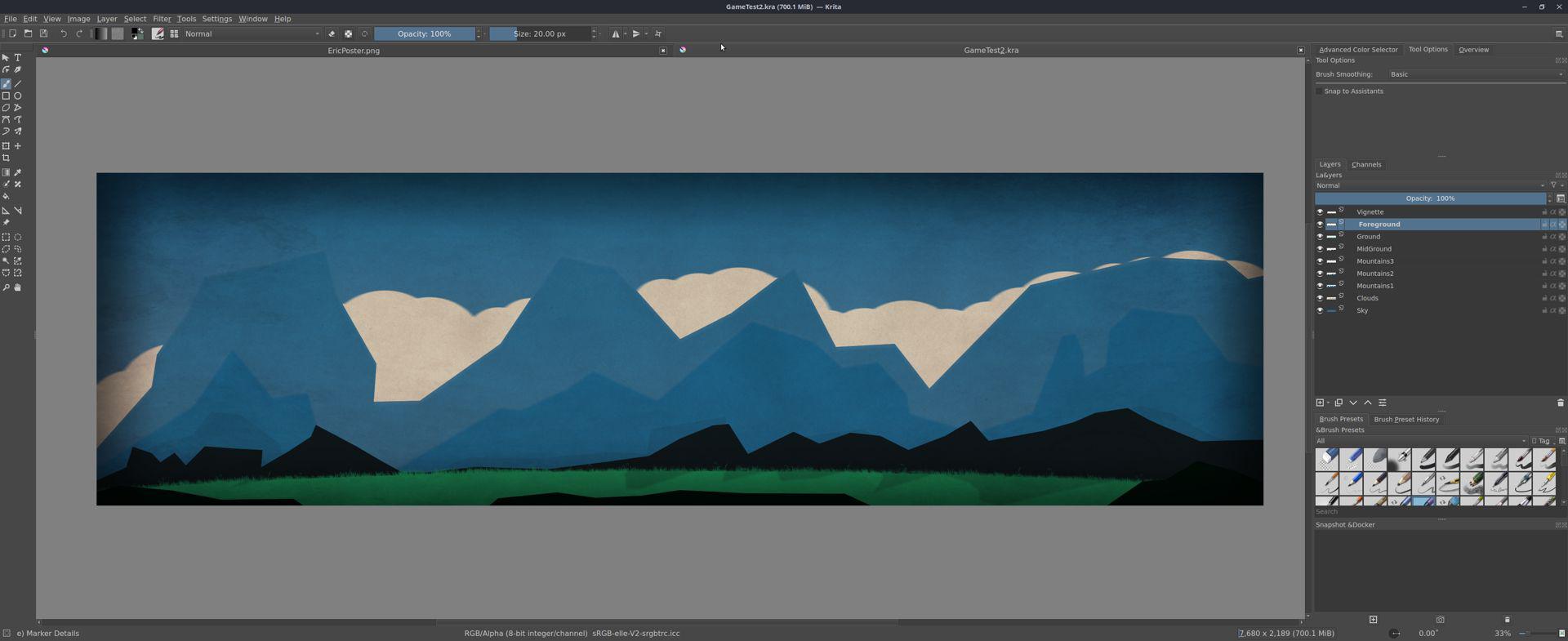
After spending a few hours in front of Krita and a Huion Pen Display, I had some level artwork painted in 4K resolution. Krita has a built in feature that can export layers as separate images. This was super helpful. I had about half a dozen images that needed exporting to make the parallax work.
I found Godot quite intuitive to work with. After a little while, I found it easy to understand the interface and get things going.
Whilst I was only interested in understanding the parallax, I dropped a simple character in to the level with keyboard controls.
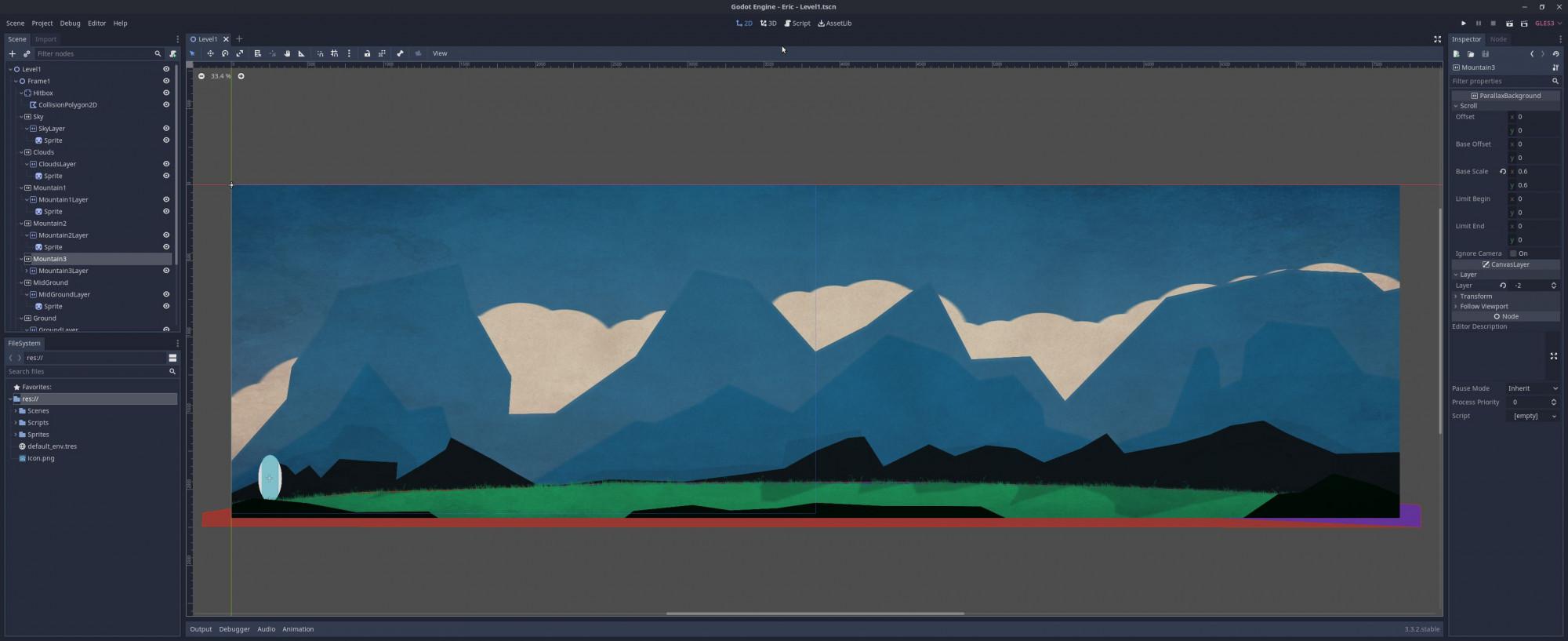
The artwork was created at twice the width of a 4K monitor resolution. This gave plenty of room for the character to move around. I'm not totally sure I fully understood the code for the moment and of the character. This its not something strictly needed as this is a point and click adventure, after all. The game will be using some help from Escoria. A free framework for making point and click adventures in the Godot, it should speed up development.
So here we have it - A little test game called Eric the Egg. Pretty short and sweet, and I finally managed to produce something. Whilst this isn't final game art at all, this little technical exercise managed to teach me how Godot worked. I actually have something to show for it in the end. All in all, a productive Saturday.